In the main interface, you'll notice an arrow icon.
Action: Tap on the arrow icon to toggle the aside section. This section provides additional options and settings.
Action: Tap on the arrow icon to toggle the aside section. This section provides additional options and settings.
To search for specific content, look for the filter icon.
Action: Tap on the filter icon to open the search popup.
Action: Tap on the filter icon to open the search popup.
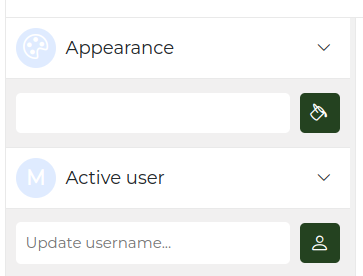
Customize your chat experience by updating the background color of message
content or changing your current username.
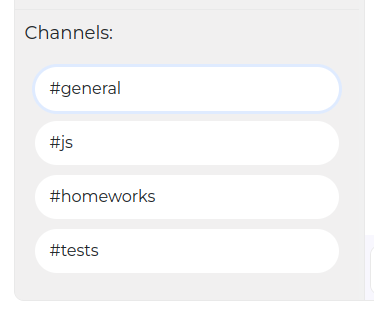
Explore the list of available channels.
Action: Select a channel to start chatting and enjoy connecting with others!
Action: Select a channel to start chatting and enjoy connecting with others!